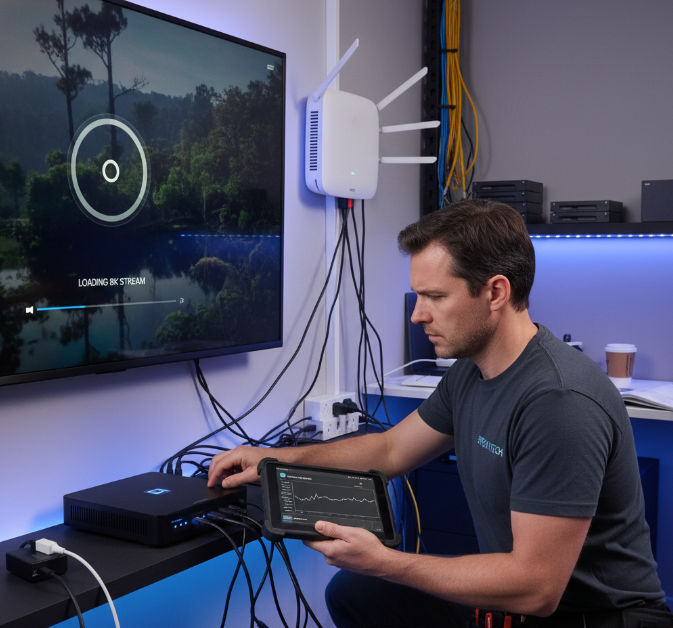
If you're in the IPTV game for real, you know one thing—viewers don’t wait. If your iptv pla can’t keep up with 8K streams, smooth device switching, and zero buffering, you're toast. And in 2026, expectations are sky-high.
Think of your IPTV setup like a delivery truck: it doesn’t matter how great the content is if it shows up late or broken. Buyers aren’t just picking a media player—they're picking trust, speed, and support in one package.
We’ve seen clients lose deals over buffering issues alone. One StarIptv engineer said it best: "If the stream stutters, the sale’s already gone." That's how tight the margin for error is.
This guide gets straight to it—what to look for, what to avoid, and how to keep your IPTV business running smoother than a late-night Netflix binge.
Let’s break it down before your customers break up with you.
What features make an IPTV pla truly 8K-ready
HLS, DASH, and UDP for stable 8K delivery
Adaptive Bitrate streaming keeps your 8K flow silky smooth
Chunking and Manifest control reduce stream crashes
UDP with Multicast is great for hotels or campus setups
DASH gives you real-time quality jumps for changing networks
HLS with Low Latency? Your buffer bar basically disappears
Say goodbye to playback hiccups. These protocols aren't just alphabet soup—they’re your tools for delivering streams that don't choke, even when your customer’s internet gets shaky.
HEVC, H.264, and AAC as your 8K codec stack
HEVC (H.265) is your go-to for squeezing those huge 8K files without killing quality.
H.264 still kicks around, but it’s not really made for 8K—leave it for fallback.
AAC delivers crisp sound without hogging bandwidth.
AV1 and VVC are the cool new kids, but decoding support can be spotty.
Don’t forget decoding support—your playback needs to match your compression game.
Think of this trio as your video compression dream team—they keep your streams sharp and snappy without melting client bandwidth.
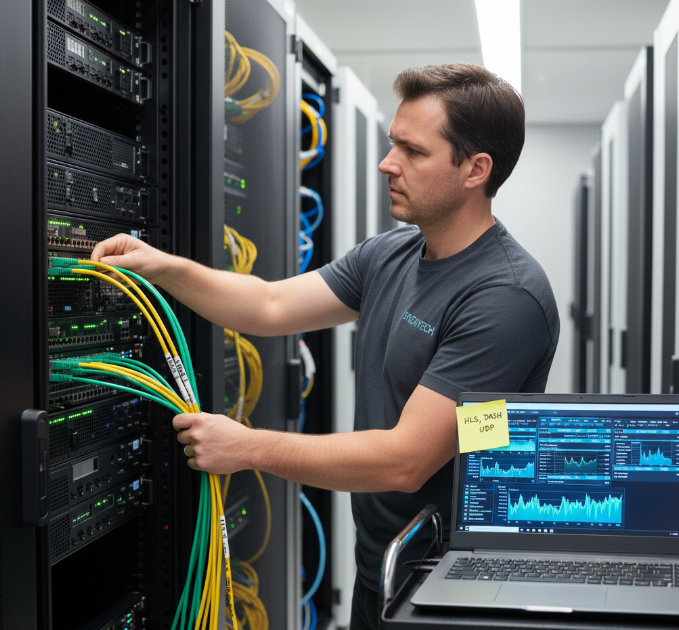
8K-ready playback power: GPU and chipset requirements
Look for players running on ARM Cortex-A73/A76/A78 or equivalent performance cores
Hardware decoders should support HEVC Main10, AV1 Main 10, and VVC where possible
GPUs like Mali-G52/G57/G710 or newer help keep frame drops under control
At least 4GB RAM on Android set-top boxes or TV sticks for 8K playlists with EPG, logos, and overlays
If your player is choking when switching channels or loading EPG data, it’s probably underpowered—no amount of software tricks can save a weak chipset.
8K bandwidth and Bitrate realities
According to StarIptv network logs and 8K benchmark testing, here's the baseline:
For heavily compressed 8K with HEVC: 50–60 Mbps per stream in ideal conditions
For premium 8K HDR sports or events: 60–80 Mbps per stream is realistic
For multi-room IPTV setups, wholesalers need to budget for WAN + LAN capacity across hundreds of devices
As James, Senior Network Engineer at StarIptv, says:
"8K isn’t just bigger numbers—it’s bigger risk. If you underbuild your network, your complaints box fills faster than your subscriber list."
Takeaway: Don’t sell “8K-ready” anything if your network can’t comfortably sustain the Bitrate.
8K streaming protocols and transport choices
Why your transport protocol matters
The transport pipeline behind your IPTV pla is doing silent heavy lifting:
UDP Multicast is king for closed environments (hotels, campus networks)
TCP-based HLS/DASH is ideal for internet-facing retail or wholesale IPTV services
Hybrid setups—unicast + multicast—help major wholesalers strike a balance between cost and quality
Poorly chosen protocols = more buffering, more tickets, more churn. Get this layer right and your support team finally gets a quiet weekend.
LL-HLS, LL-DASH, and buffer strategy
LL-HLS trims latency for live events, making streams feel closer to real-time
LL-DASH helps where AV1 or VVC is used for efficiency
Start-up buffer is your friend: 3–5 seconds for 8K is common in real-world deployments
Chunk sizes matter—short segments allow faster quality shifts and less stalling
You don’t just need “Low Latency”—you need latency that matches your content type. Sports, auctions, and betting have different tolerances than VOD movies.
8K isn’t just resolution—it’s workflow
All the protocols in the world won’t save a broken workflow:
Transcoding must scale per profile and resolution
Origin servers must withstand peak traffic hits
CDNs must be tuned to avoid bottlenecks in far-away regions
Your IPTV pla doesn’t operate in a vacuum—it’s the front-end of a distribution machine. If the backend is shaky, the player gets blamed first.
8K playback formats your IPTV pla must support
M3U, M3U8, and playlist sanity
Your IPTV pla lives and dies by its playlist handling:
Clean M3U/M3U8 parsing reduces broken channel loads
Support for group-title, tvg-logo, and EPG tags keeps interfaces tidy
A good playlist parser recovers from small format issues instead of breaking outright
For wholesalers with changing channel lineups, flexible M3U handling is non-negotiable. One broken playlist and every reseller is knocking on support.
.png "IPTV Playlist Parsing (M3U M3U8).png")
MKV, MP4, and TS compatibility
MKV remains popular for high-quality offline content and VoD libraries
MP4 is still the standard for platform delivery and adaptive streaming sets
TS (Transport Stream) is common in broadcast and multicast IPTV
If your IPTV pla chokes on these, you’re adding unnecessary friction. Wholesalers rarely have time to re-encode everything just to match a picky player.
Subtitle formats and multi-language support
For global IPTV businesses:
Support SRT, ASS, and embedded subtitles
Handle right-to-left languages cleanly
Ensure subtitle rendering doesn’t spike CPU usage or cause dropped frames
Nothing kills user experience faster than a channel that “works” but becomes unusable for viewers who need subtitles.
IPTV pla UX that keeps users glued, not frustrated
Quick zapping and low UI latency
Channel switch time should ideally stay under 1–2 seconds for HD, slightly more for 4K/8K
Keep transition animations light—pretty is fine, heavy is not
Preload EPG data to avoid spinning loaders on every channel change
Resellers and wholesalers hear this all the time: “Channel switching feels slow.” That’s almost always a UX + buffer tuning issue, not just network.
Logical navigation for bulk channel lists
When you’re dealing with:
10,000+ live channels
50,000+ VoD titles
Multiple bouquets or regional packs
Your IPTV pla must:
Support favorites, categories, and smart search
Handle keyboard, remote, and touch equally well
Offer bulk editing or shortcuts for power users
A clean UX saves hours of support time explaining “where to find channels” that should’ve been obvious.
Brandable UI for resellers and wholesalers
If you're selling IPTV at scale, branding matters:
White-label skins or themes for different resellers
Custom logos, color themes, and welcome screens
Multi-tenant support where each reseller gets their own “look”
Wholesale IPTV isn’t just about streams—it’s about helping your partners look professional without extra dev work.
Security features that protect your IPTV revenue
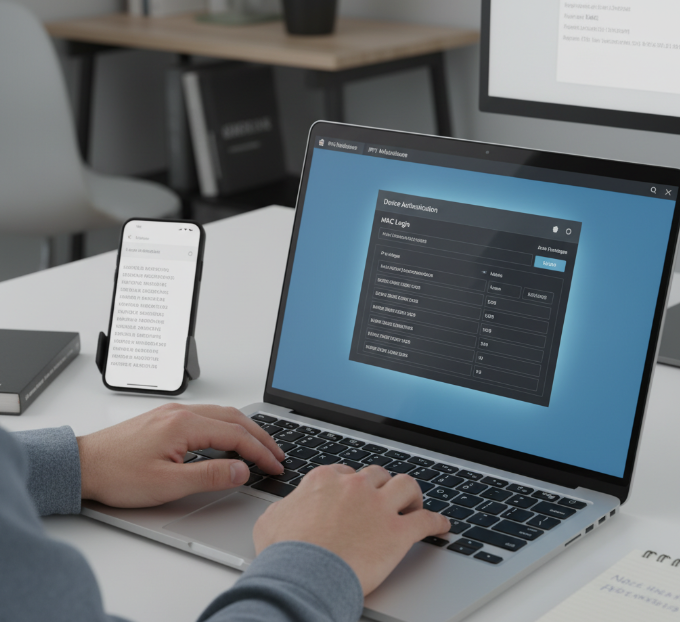
MAC, Username/Password, and Token login
Your IPTV pla must handle:
MAC-based login for classic devices and older portals
Username + password login for apps and smart TVs
Token or JWT-based auth for modern setups with APIs and multi-device support
This isn’t just security theatre. Strong auth keeps trial abuse and account sharing under control.
Anti-restream and session control
To keep revenue from leaking:
IP and device limits per account
Session concurrency controls (e.g., max 2–4 streams per account)
Automatic kick/expiry for ghost sessions
If your IPTV pla can’t enforce these rules, resellers will watch margins vanish as accounts get shared across entire neighborhoods.
DRM integrations (optional but future proof)
For higher-end wholesalers and premium content:
Support for DRM-ready workflows via middleware (Widevine, PlayReady, FairPlay, where licensed)
Secure key exchange and encrypted HLS/DASH streams
Not every IPTV business needs full DRM today—but those targeting serious broadcasters or premium content providers will run into it sooner than later.
Network, CDN, and infrastructure checklist
Optimizing your origin and edge
A strong IPTV setup isn’t just about the player. Consider:
Multiple origin servers with failover to avoid single points of failure
Geo-distributed edge cache for far-away viewers
Intelligent load balancing to smooth out peak-hour spikes
A thin CDN strategy might work at a few hundred viewers. It fails hard at a few thousand.
Where your Content Delivery Network (CDN) fits in
For wholesalers:
Middleware handles the brains—think CMS, user access, and API integration
The Media Server is the engine room: transcoding, stream packaging, storage
A Content Delivery Network puts your stream closer to viewers using edge servers
Use load balancing and Anycast routing for even traffic distribution
If any one of these layers fails, users will assume “the IPTV is broken”—even if your player is doing everything right.
Network tuning for bulk IPTV users
When you’re running thousands of simultaneous sessions, pay attention to:
QoS and traffic shaping on uplinks
Multicast routing (if used) across VLANs and core switches
Enough backhaul for peak concurrency, not just average usage
Network misconfigurations are silent killers. They don’t always show up in lab tests—but they absolutely show up on Saturday night when everyone’s watching.
IPTV pla testing and monitoring
Load testing your IPTV pla at scale
Before promising “buffer-free 8K,” your checklist should include:
Load-testing with synthetic clients to simulate thousands of simultaneous viewers
Measuring join time, buffer rate, and error rate for different regions
Testing playback stability during channel zaps, EPG loads, and resolution shifts
If you only test with a handful of devices in your office, real-world usage will expose everything you missed.
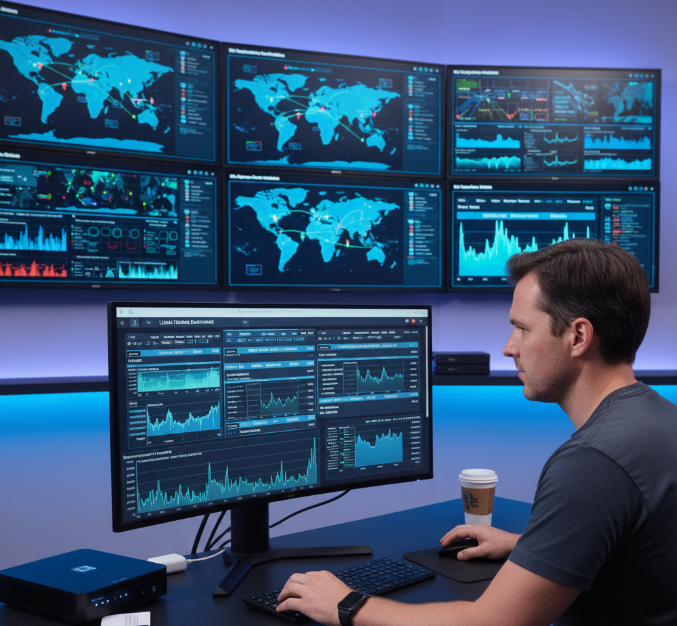
Real-time monitoring and alerting
Your IPTV pla needs to feed into your monitoring stack:
CPU, RAM, and disk metrics on IPTV servers and origins
Per-channel error rates and delay metrics
QoE indicators like buffering ratio and average Bitrate
Alerts shouldn’t just trigger when things are down—they should warn when things are about to go bad.
Feedback loop from resellers and end users
Wholesale IPTV lives or dies on relationships:
Give resellers simple tools to report channel or player issues
Track which devices and apps cause most complaints
Use this data to inform which IPTV pla and hardware you recommend (or drop)
IPTV pla device ecosystem support
Smart TVs, Android TV, and Fire TV
The more platforms your IPTV pla covers, the easier it is to scale:
Native apps for Samsung Tizen, LG webOS, and popular smart TV platforms
Android TV and Google TV apps for TV boxes and sticks
Fire TV support for markets where Amazon dominates
If your recommended player only works on niche devices, you're leaving money on the table.
MAG boxes, Enigma2, and legacy hardware
Many wholesale buyers still run:
MAG boxes in older hotel or reseller setups
Enigma2-based boxes for satellite/IPTV hybrids
Your IPTV pla should understand these environments:
Support if they’re in your core market
Or clearly label them as “legacy / limited support” to avoid confusion
Honesty beats overselling—especially in wholesale.
Multi-account, reseller, and panel compatibility
Portal and panel integrations
Your IPTV pla must talk nicely with:
Popular reseller panels and Xtream Codes-style APIs
Middleware platforms for channel, user, and billing management
If every new reseller setup needs custom work, your operation doesn’t scale.
Multi-account management
Resellers and power users often juggle:
Multiple IPTV providers
Test accounts vs production accounts
An IPTV pla that supports multiple profiles, quick provider switching, and clear labeling makes their lives easier—and ties them closer to your stack.
Logs and diagnostics for support
When something breaks, you don’t want to guess:
Client-side logs that can be exported or sent to support
Error codes that mean something (“404 – Channel unavailable” beats “Playback error”)
This cuts down on back-and-forth, tickets, and frustration all around.
Bulk IPTV buyers: what matters most in 2026
In 2026, the winning IPTV pla for wholesalers isn’t about fancy skins. It’s about:
Stable 8K + 4K playback under real traffic
Smart buffering and adaptive streaming that hides network noise
Solid UX that doesn’t confuse non-technical viewers
Easy integration into existing panels, middleware, and reseller flows
If you’re evaluating IPTV pla vendors, your checklist should always circle back to one question:
“How does this pla behave at 1,000+ concurrent viewers during a live 8K sports event?”
If the answer isn’t clear—or if all you hear is marketing buzzwords—keep looking.
Bitrate, Encoding, and Container tuning for IPTV pla
ABR ladders that don’t break your network
Smart ABR (Adaptive Bitrate) ladders for 8K and 4K should:
Start at a realistic floor Bitrate to avoid blurry first impressions
Offer 3–6 tiers that scale up to your 8K ceiling
Match resolution jumps with device capabilities (no 8K profiles on non-8K hardware)
A bloated ladder wastes bandwidth. A poorly tuned one triggers constant up- and down-shifts—aka buffering and complaints.
Choosing the right codecs for long-term growth
For modern IPTV pla setups:
HEVC is your baseline for 4K and a practical minimum for 8K
AV1 is no longer optional. It’s royalty-free, sharper than H.264, and streaming giants like YouTube and Netflix are already locked in.
VVC (Versatile Video Coding) is AV1’s big rival—ideal for 8K resolution. More compression, less bandwidth.
Still clinging to HEVC? Fine for now, but you’ll want an AV1/VVC migration plan for 2026–2028.
Your IPTV pla must decode what your encoders produce. Treat codec support as a contract between your backend and your front-end apps.
Container formats and multiplexing
Make sure your IPTV pla can:
Play TS, MP4, and MKV without weird seeking issues.
Interpret audio, video, and subtitle tracks correctly.
Balance Bitrate + Resolution: Match your Encoding settings to bandwidth budgets.
Handle Multiplexing: TS streams allow combining audio, video, and captions cleanly.
A StarIptv engineer once said, “If you don’t know your container, you’re flying blind.” — and honestly, it shows. Smart workflow equals fewer headaches later.
Timeshift, Catch-up TV, and Video on Demand essentials
| Feature | User Benefit | Platform Need | Wholesale Value |
|---|---|---|---|
| Timeshift | Rewind live TV instantly | DVR Buffer | Real-time control |
| Catch-up TV | Watch missed shows on demand | Content Archive | Viewer satisfaction |
| Video on Demand | Anytime access to movies/shows | Middleware integration | Monetization options |
These features are must-haves now—users expect them like they expect Wi-Fi. Use EPG-guided DVR with Buffer control to give your users full Playback Control. It's not a bonus; it’s the baseline.
Advanced buffering and Error handling for wholesalers
Smart buffering rules
For wholesale IPTV operations, your IPTV pla should:
Allow configurable buffer depth based on content type
Provide “fast channel zapping” modes for SD/HD, and deeper buffers for 4K/8K
Gracefully recover from short outages without kicking users out
This is the difference between a brief quality dip and a full dropout.
Adaptive Error recovery
When packets go missing or segments fail:
Retries should happen quickly behind the scenes
The IPTV pla should drop quality first—not the connection
Logs should clearly indicate what happened for later diagnosis
If your player just throws “Error” on screen with no recovery, it’s going to flood support during peak hours.
Packet loss, jitter, and IPTV
Wholesale deployments regularly hit:
Peak-time congestion
Cross-border transit
Varied ISP quality
Your IPTV pla needs to ride that wave, using:
Jitter buffers
Proper segment timing
Intelligent retry/backoff strategies
This is where quality IPTV pla software earns its keep.
IPTV pla performance metrics wholesale buyers should request
When evaluating IPTV pla vendors, ask for:
Average time-to-first-frame (TTFF) across regions
Buffer ratio (percentage of playback time spent buffering)
Crash rates per 1,000 sessions
Device distribution data (which platforms perform best/worst)
If a vendor can’t provide these numbers, they’re guessing. You shouldn’t pay enterprise money for guesses.
Wholesale-focused IPTV pla support and SLAs
Vendor support that actually understands wholesale
You’re not just another retail user. Wholesale IPTV needs:
Fast escalation paths
Clear documentation for integration
Real-time support during major events (fights, finals, tournaments)
If a pla vendor treats you like a single household setup, your growth will outpace their ability to support you.
SLAs that cover what matters
SLAs for IPTV pla software should speak to:
Uptime of license/portal servers
Response times for critical incidents
Long-term support for platform updates (Android TV versions, app store changes, etc.)
Good SLAs are boring when things work—and priceless when things don’t.
Final checklist: Is your IPTV pla 8K-ready and wholesale-proof?
Your IPTV players read 8K-ready on the box. But in real deployments, here’s what actually matters.
A serious IPTV pla (2026) lets you:
Handle 8K, 4K, and HD streams without choking under load
Work smoothly with HLS, DASH, and UDP/multicast depending on the environment
Support modern codecs like HEVC, AV1, and VVC
Parse M3U/M3U8 and container formats like MP4, MKV, TS cleanly
Offer UX that makes sense for tens of thousands of channels and huge VoD libraries
Plug in with reseller panels, middleware, and CDNs without needing a full rewiring
Enforce security through MAC, token, or credential-based auth
If your current IPTV pla for all the above fails these checks, it’s time to treat “no buffering” as more than a slogan—it should be measurable behavior in your test bench.
Picking the right IPTV pla for 2026 is like choosing the engine for your sports car—looks won’t matter if the stream sputters when your users hit the gas. We’ve walked through the stuff that really moves the needle: 8K support, smart buffering, and ways to keep everything humming under load.
Support for HLS, DASH, and Multicast delivery
HEVC, M3U8, and MKV compatibility for smoother playback
Metadata like XMLTV and EPG for clean program guides
Secure access through MAC address or token login
Built-in Timeshift and Catch-up TV options
In the words of streaming expert Dave Zatz, “Your setup is only as good as what it lets people forget.” If the tech works right, viewers stop noticing it—and that’s the goal. For wholesale IPTV buyers, now’s the time to ditch legacy pain points and go all-in on systems built for tomorrow’s screens.
References
HLS vs. DASH | What's The Difference? - https://www.mux.com/articles/hls-vs-dash-what-s-the-difference-between-the-video-streaming-protocols
Difference between HLS and DASH: Streaming Protocol Comparison - https://mediamelon.com/hls-vs-dash-streaming-protocol-comparison/
Adaptive Bitrate Streaming (HLS vs. DASH) - https://systemdr.substack.com/p/adaptive-bitrate-streaming-hls-vs
Low Latency Streaming – A First Step Towards Standardization - https://cdnalliance.org/wp-content/uploads/2025/09/LL-WG-Whitepaper-Low-Latency-Streaming-%E2%80%93-A-First-Step-Towards-Standardization-V1.pdf
Video Codecs Explained: H.264, H.265, AV1 & VP9 - https://antmedia.io/video-codecs-streaming-guide/
AV1 vs H.265: Codec Comparison Guide [2026 Updated] - https://www.red5.net/blog/av1-vs-h265/
Top 5 CDN Strategies To Lower Live Streaming Latency - https://www.ioriver.io/blog/yop-cdn-strategies-to-lower-live-streaming-latency
Estimating the Bitrate for 8K Videos When Encoding with HEVC and AV1 - https://8kassociation.com/estimating-the-bitrate-for-8k-videos-when-encoding-with-hevc-and-av1/
FAQ
What makes an IPTV pla suitable for 8K streaming?
Needs HEVC (H.265) and AAC for efficient compression
Should support HLS and DASH for adaptive delivery
Works best with CDN and Media Server integration
Hardware Acceleration keeps video smooth on all screens
Set-top Box support is key for large rollouts
Why is DASH preferred over RTMP for modern IPTV services?
DASH adjusts quality based on connection speed
RTMP is older and struggles with today’s formats
DASH pairs well with Content Delivery Networks
It's more reliable for live IPTV streams
How can an iptv pla help reduce buffering for hotel or ISP customers?
A well-built iptv pla uses things like UDP, Multicast, and Proxy Servers to keep streams smooth, especially when lots of people are watching at once.
What protocols are best for IPTV pla delivery in unstable networks?
HLS works great as a fallback option
UDP or Multicast are strong for local setups
HTTP Progressive is simple but effective
RTSP still helps with older systems
Pair it all with good buffer control
Does every iptv pla support playlist formats like M3U8 or Transport Stream?
Nope. Some players skip over formats like M3U or Transport Stream, which causes issues in channel lists. A good iptv pla handles all of them without a hitch.
What features improve content discovery for IPTV users?
EPG support with XMLTV lets users see what’s on
Channel Logos and Genre Tags make things visual
Search Function lets folks find what they want fast
Favorites Folder and Filters boost ease of use
Program Synopses help people choose quicker
Can an iptv pla support both Xtream Codes and MAC address logins?
Yep. The better players let you log in with Xtream Codes API or MAC address, which makes life easier for resellers with all kinds of customers.
What should a future-proof IPTV setup include in 2026?
Support for HEVC, MP4, MKV
Streaming over HLS, DASH, and Multicast
Hardware Acceleration for smooth playback
Metadata like XMLTV, EPG Source
Flexible login options like tokens or credentials
Scalable backend like Middleware or Media Server
Why is metadata like XMLTV important in an iptv pla?
Without things like XMLTV, Channel Logos, or Program Synopses, users are left guessing. Good metadata makes your IPTV pla feel smooth and smart, not clunky.